
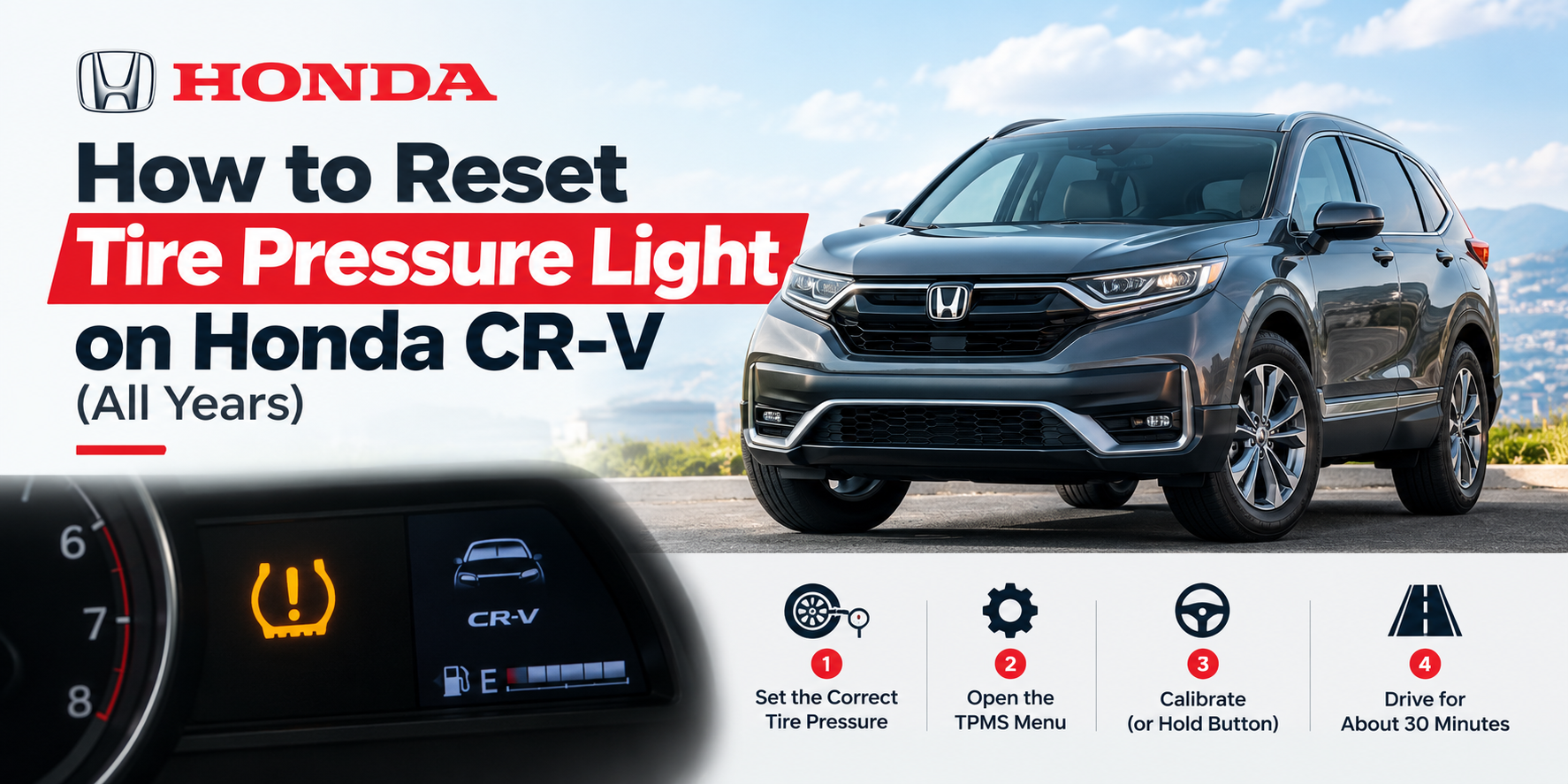
The tire pressure light is on, you filled the tires, and the light is still there. Here is how to reset the tire pressure light on a Honda CR-V, whatever year you drive. On most CR-Vs there is no reset button. You tell the car to relearn what normal pressure looks like, then you drive for about 30 minutes.
The right steps depend on your year, so read the table below first.
Quick Answer
- Set all four tires to the pressure on the sticker inside the driver’s door when the tires are cold.
- Open the TPMS Calibration menu and choose Calibrate (or hold the TPMS button on older models).
- Drive for about 30 minutes at normal road speeds.
The light should go out on its own. The rest of this guide covers each year, plus what to do if it does not.
Which Tire Pressure System Does Your CR-V Have?
Honda has used two kinds of tire pressure monitoring systems (TPMS) in the CR-V. A direct system has a small sensor inside each wheel. An indirect system has no sensors in the wheels. It watches how fast each wheel spins, and a tire with low air spins a little faster.
| CR-V years | System type | How you reset it |
|---|---|---|
| 2007 to mid-2014 | Direct (sensors in wheels) | Fix the pressure, then drive. No calibrate menu. |
| Mid-2014 to 2016 | Indirect | Calibrate from a button or the display menu |
| 2017 to 2022 | Indirect | Calibrate from the touchscreen or the display menu |
| 2023 to 2026, including Hybrid | Indirect | Calibrate from the touchscreen |
The year split comes from an industry tech tip. It says the CR-V used a direct system from 2007 through mid-2014, and an indirect system from mid-2014 through 2019. Later CR-Vs also use the indirect system and the calibrate menu. CR-Vs built before 2007 generally have no tire pressure system at all.
Not sure which one you have? A direct system can show a pressure for each tire. An indirect system only turns a light on, so use a hand gauge to see real numbers.
Before You Reset: Fix the Pressure First
Resetting only works if the starting point is right. When you calibrate, the car treats the current pressure as normal. If the tires are low when you calibrate, the car learns the wrong numbers.
- Check all four tires with a gauge. Do it when the tires are cold, such as first thing in the morning.
- Fill each tire to the number on the door sticker. Do not use the number printed on the tire sidewall. That is the maximum, not the target.
- Take off tire chains. Honda says to remove them before calibrating.
- Make sure a full-size tire is on the car. Honda’s manual says TPMS cannot be calibrated with a compact spare installed, so put the regular tire back first.
If you added air at a gas station, the light may not go out until you reset the system. Honda wants you to calibrate after you adjust pressure, rotate the tires, or replace a tire.
How to Reset the Tire Pressure Light on a Honda CR-V (Mid-2014 to 2026)
Pick the method that matches your dashboard. All of them start the same way: turn the power on, but you do not need to start driving yet.
Models With a Touchscreen
- Press Home on the touchscreen.
- Select Settings.
- Select Vehicle.
- Select TPMS Calibration.
- Select Calibrate.
You should see a “Calibration started” message. If you see “Calibration failed to start,” repeat the steps.
Models Without a Touchscreen
Use the steering wheel buttons to move around the screen in front of you.
- Scroll to the vehicle Settings screen and select it.
- Select TPMS Calibration.
- Select Calibrate.
Models With a TPMS Button
Some older indirect CR-Vs have a TPMS button to the left of the steering wheel. Turn the power on, then hold the button until the tire pressure light blinks twice. Let go and start driving. If your car behaves differently, check the owner’s manual for your exact model.
Watch Honda’s Video
Honda has a short video on this. It is filmed on an Accord, but it shows the same idea: calibrate after you refill, replace, or rotate tires. Watch Honda’s tire pressure reset video.
How Long Does the Reset Take?
Calibration starts when you press the button, but it only finishes when you drive. The newest manuals say it takes about 30 minutes of cumulative driving at 31 to 62 mph. Older manuals give a slightly wider range of 30 to 65 mph.
“Cumulative” means the minutes add up. You do not need one long trip. A few short highway drives work.
Do not worry if the light flickers on during the first few minutes. Honda says that if you turn the power on and do not move within 45 seconds, the low tire pressure light may come on briefly. This means calibration is not done yet, and it is normal.
How to Reset the Light on a 2007 to Mid-2014 CR-V
These older CR-Vs have a sensor in each wheel, so there is no calibrate menu to run. The steps are simpler.
- Fill all tires to the door sticker pressure, including the spare if it has a sensor.
- Drive for a few minutes.
- Watch for the light to go off.
In most cases the light turns off on its own once all the tires are at the right pressure. If it does not, the problem is probably a sensor. These sensors have small batteries that wear out over the years. Honda’s direct system also needs a special TPMS tool to register new sensors, so a shop will need to handle it. You can read more in this tech tip on Honda relearn procedures.
Why Is the Tire Pressure Light Still On After the Reset?
Fix the easy things first. These are the most common reasons the light comes back:
- The drive is not finished. The system needs the full 30 minutes before it trusts its new numbers.
- The pressure was wrong at the reset. Check all four tires again, then calibrate once more.
- A compact spare is on the car. The system cannot calibrate with it.
- Tire chains are on. Take them off and calibrate again.
- The tires do not match. The system may not work well if tire type or size is mixed.
- The weather turned cold. Honda notes that low outside temperature and a change in altitude can trigger the light. Pressure drops as the air gets colder, so top off the tires.
- A heavy or uneven load. This can also trigger the light, so empty the cargo area and try again.
- A slow leak. A nail or a bad valve stem can let air out. The light comes back within a day or two. Have a shop check it.
Solid Light vs Blinking Light
A solid light usually means one or more tires are low. Fill them and calibrate.
A light that blinks for about a minute when you start the car, then stays on, usually means a problem with the system itself. The car cannot warn you about low pressure in that state. Our guide to a blinking tire pressure light covers the causes and fixes in more detail.
If your CR-V has an indirect system, a blinking light does not mean dead sensor batteries, because there are no sensors in the wheels. It points to a fault in the system, and a shop can scan it.
Dealer Tips You Can Skip
Some pages tell you to disconnect the battery and honk the horn, or to inflate every tire past the limit and let it all out. These are not part of Honda’s calibration steps. Honda even warns that the warning lights can come on in amber after you reconnect the battery. Stick to the calibrate steps above.
When to See a Professional
Take the CR-V to a shop if:
- The light blinks every time you start the car.
- The light returns after a correct calibration and a full drive.
- You see a tire that is bulging, cracked, or visibly flat. Do not drive on it.
- You replaced a sensor and the light will not clear (older direct systems).
If the tires themselves are worn, a reset will not fix the problem. Check your tread and sidewalls. How to Know If You Need New Tires
FAQ
Where is the TPMS reset button on a Honda CR-V?
Only older models have one, and it sits to the left of the steering wheel. Newer CR-Vs have no button. You use the TPMS Calibration menu instead.
Do I need to reset after rotating tires?
Yes. Honda says to start calibration whenever you adjust tire pressure, rotate the tires, or replace a tire.
Why is the tire pressure light on when my tires look fine?
A tire can lose a lot of air before it looks flat. Cold weather and altitude changes can also cause it. Check each tire with a gauge.
Can I just disconnect the battery to clear the light?
It is not a Honda calibration step, and it may bring warning lights on. Use the calibrate menu.
Is it safe to drive with the tire pressure light on?
A solid light means check the tires soon. A blinking light means the system cannot protect you, so get it checked. Use a hand gauge in the meantime. What Happens If You Drive on a Flat Tire?
Final Word
Now you know how to reset the tire pressure light on a Honda CR-V for your year. Set the pressure first, run the calibration, and drive about 30 minutes. If the light stays on, check for a spare, chains, a slow leak, or a system fault. For Honda’s exact steps for your model, use the official Honda CR-V owner’s manual.